
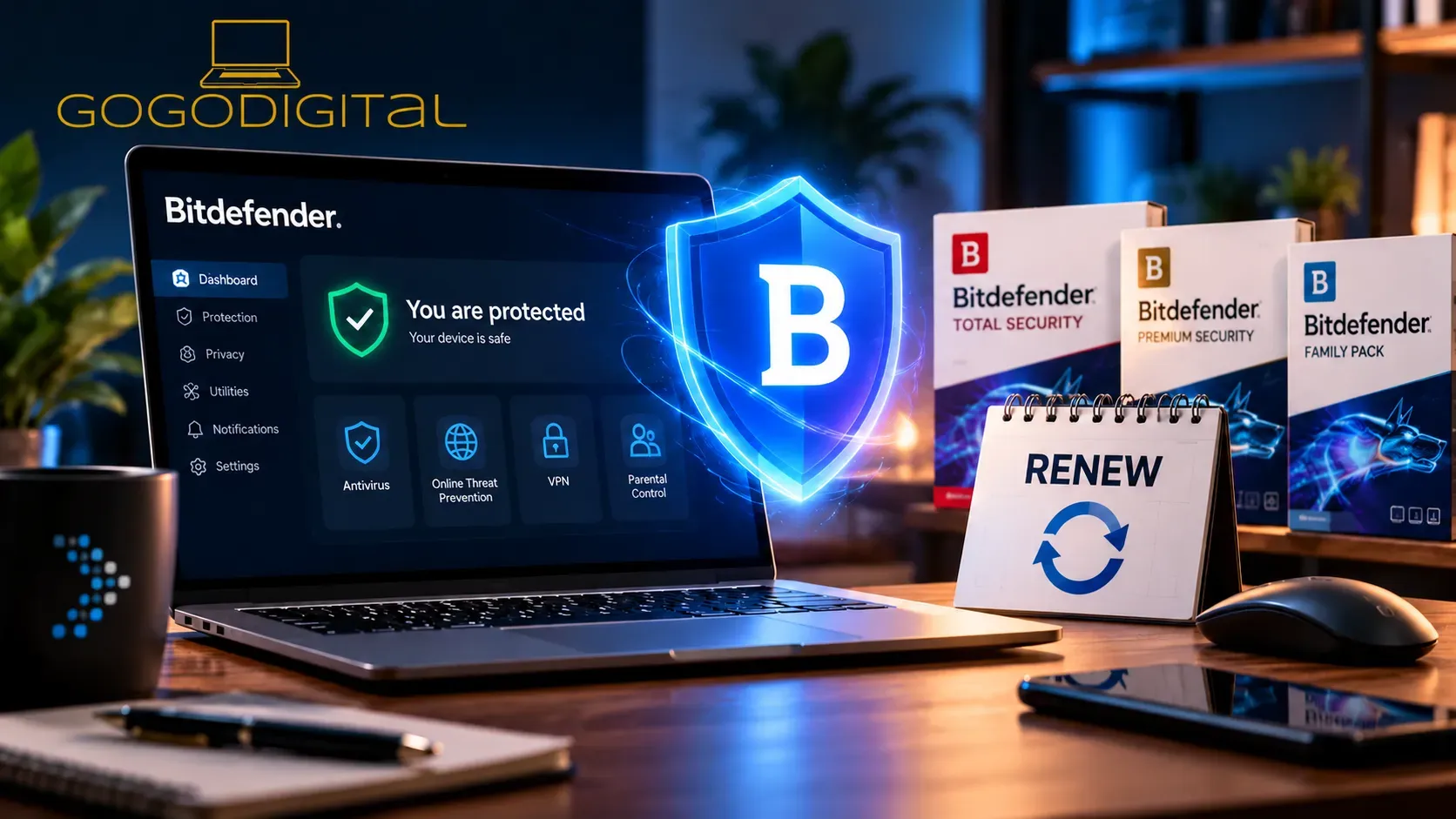
Looking for a Bitdefender renewal discount in the UK? Before paying the price shown in your renewal reminder, check whether a matching activation code offers better value. You may be able to extend an eligible existing subscription without losing the days you have already paid for.
This GoGoDigital guide explains how to compare Bitdefender renewal prices, what an early renewal special offer really means, how subscription stacking works and what to check before purchasing another licence.
Bitdefender renewal: the essentials
- Compare first: an automatic renewal offer isn't necessarily the best available price.
- Match the plan: the product and number of users/devices must be compatible for an extension.
- Know the limits: eligible matching activation codes may extend cover up to five years; certain direct online purchases have a different three-year limit.
- Check renewal settings: a retail activation code does not necessarily prevent future Bitdefender auto-renewal.
Explore Bitdefender deals at GoGoDigital → Ask us about licence compatibility
How can you renew Bitdefender for less?
There are three common routes. The best choice depends on your current product, how many devices or users it covers, how much validity remains and what kind of licence you are buying.
01
Use a direct renewal
Review the renewal price and terms in your existing Bitdefender account. Check whether the payment is one-off or an ongoing automatic renewal.
02
Buy a matching code
Compare a compatible activation code from a trusted retailer. An eligible matching code can extend your existing term instead of starting a separate subscription.
03
Switch to another plan
If your household needs have changed, choose a different product or device allowance. Expect a separate subscription or a different upgrade process rather than automatic stacking.
Bitdefender renewal price comparison: what really matters?
Online promotions, direct renewal prices and retailer offers can change. Rather than publish a price table that quickly becomes inaccurate, compare the actual checkout totals for equivalent licences. A lower headline price is not a saving if you end up with fewer devices, a shorter term or an incompatible product.
| Check | Why it matters |
|---|---|
| Product and edition | Total Security, Internet Security, Premium Security and Family plans are not automatically interchangeable. |
| Devices / users | A 3-device code may not extend a 5-device subscription, even when the product name sounds similar. |
| Subscription length | Compare one, two or three years on a price-per-year basis and check any applicable stacking limits. |
| Region and activation terms | Check that the licence is valid for your location, account and intended use. |
| Renewal and billing | Look for automatic billing, introductory discounts, future renewal amounts and the date cover begins. |
| Final price | Compare the total including applicable tax, not just an advertised percentage discount. |
Where to look for a Bitdefender renewal discount
Start with your current subscription name in Bitdefender Central. Then browse the corresponding GoGoDigital range. These links open GoGoDigital product listings so you can compare currently displayed prices and check availability.
- Bitdefender Total Security: Compare Total Security licences for different device counts and durations.
- Bitdefender Premium Security: View Premium Security offers if that is your existing plan or you are considering an upgrade.
- Bitdefender Family Pack: Explore Family Pack options for households; verify the precise family plan and allowance.
- Other plans: Browse the complete Bitdefender range, including Antivirus Plus and Internet Security where available.
Important: A listing for a newer release or bundle is not automatically compatible with an older subscription. If you want to preserve existing days, check with GoGoDigital before purchasing rather than guessing from the product name.
Shopping for a renewal rather than a fresh installation?
Tell us your exact Bitdefender plan, device/user allowance and current expiry date. We can help you identify relevant listings to compare. Final extension eligibility is determined when Bitdefender processes the code.
Ask GoGoDigital for help choosing →Can you stack Bitdefender licence codes without losing days?
Often, yes — provided the conditions are met. Bitdefender's current guidance says a paid, non-trial, non-promotional subscription may be extended using a matching activation code, with a combined validity limit of up to five years. The plan and its user/device allowance need to match, and the option must be offered during activation.
Matching activation codes
Up to 5 years
Potential combined validity for eligible, identical subscriptions activated by code.
Certain direct online purchases
Up to 3 years
Bitdefender's separate limit for qualifying direct purchases through its online store.
These limits come from Bitdefender's published subscription guidance and are not promises that every new licence will stack. Trial/NFR products and incompatible bundles may be excluded.
Example: If you currently have an eligible Total Security 5-device subscription and buy another compatible Total Security 5-device activation code, you may see Extend current subscription. A different product or allowance may instead create a new subscription.
How to renew using a new Bitdefender activation code
- Check your current licence: In Bitdefender Central, note the exact plan name, number of users/devices and expiry date.
- Compare compatible offers: Choose a code that matches your current subscription if you intend to add time to it.
- Sign in to Bitdefender Central: Open Bitdefender Central and select My Subscriptions, then Activate with code.
- Enter the activation code: Review any prompts about billing and automatic renewal before agreeing.
- Choose the correct option: If shown, select Extend current subscription to merge matching cover; otherwise investigate why the option is missing before confirming a separate subscription.
- Verify the new expiry: Return to My Subscriptions and confirm that the intended licence shows the expected expiration date.
If a matching code is accepted and successfully extends your existing subscription, you would not normally need to reinstall the antivirus software. Check your devices are attached to the intended subscription and that their status updates correctly.
What about Bitdefender early renewal special offers?
An early renewal email can be useful, but the advertised reduction is not necessarily the lowest available price. Check its exact plan, promotional period, renewal settings and final checkout total. Then compare an equivalent GoGoDigital listing.
There is no universal Bitdefender renewal discount or guaranteed coupon code that works for every plan. Be cautious of old coupon articles and advertised savings based on outdated manufacturer prices. A real saving means obtaining the cover you need at a lower comparable total cost.
Will buying a retail licence stop automatic renewal?
No — don't assume so. GoGoDigital does not operate Bitdefender's own recurring billing system, but Bitdefender may request billing details when a third-party activation code is registered, and automatic renewal arrangements may apply to the Bitdefender account.
Review your renewal preferences inside Bitdefender Central, usually under My Subscriptions and the relevant payment or billing section. If you already have an automatic renewal, check its status before purchasing or activating another code. Cancelling automatic renewal and cancelling an active paid subscription are not necessarily the same action: follow the on-screen options carefully.
Frequently asked questions about Bitdefender renewal prices
Is it cheaper to renew Bitdefender or buy a new licence?
It depends on the current offers. Compare your renewal quote with the price of a compatible activation code for the same product, device/user count and duration. A cheaper code is useful only if it meets your licensing needs.
Can I renew Bitdefender before it expires?
Yes. If you have an eligible paid subscription and activate a compatible code using Extend current subscription, remaining validity may be retained. Confirm the outcome in Bitdefender Central.
Can I use a Bitdefender Total Security code for Premium Security?
Do not expect different plans to merge automatically. A change of product or allowance may create a separate subscription or require a distinct upgrade process. Check before buying if you are trying to preserve unused days.
Can I stack two or three years of Bitdefender protection?
Eligible matching activation codes can be combined within Bitdefender's applicable validity limit, which its current guidance sets at up to five years. Different rules apply to certain purchases made directly through Bitdefender's website.
Does a new Bitdefender subscription start when I buy or activate it?
Bitdefender states that purchases made directly through its website begin at purchase. Retailer-issued activation codes may have different product-specific activation terms. Check the listing and avoid assuming all codes can be stored indefinitely before use.
Do I need to uninstall and reinstall Bitdefender to renew?
Usually not if an existing subscription is successfully extended. Your devices should update against the linked Bitdefender account. If you switch to a separate plan, review device allocation and any necessary account changes.
Ready to compare your renewal options?
Don't overpay for the wrong subscription. Check your exact plan, compare the available options and ask us if you're unsure whether a new code will extend your current cover.
Shop Bitdefender at GoGoDigital → Ask a renewal questionSources and editorial note
Updated October 2026. The renewal and stacking rules above were cross-checked against Bitdefender's published guidance: subscription FAQs, activation-code instructions and automatic-renewal controls. Availability, prices and entitlement can change; the conditions presented during your purchase and activation take precedence.

[…] Bitdefender Discount Codes: Unlock instant savings on various Bitdefender products. […]